

Pin
New Member
Hi,
I have try to install fp on huawei cloud (elastic cloud server) by follow the step on doc.
(https://docs.flashphoner.com/display/WCS52EN/Quick+deployment+and+testing+of+the+server)
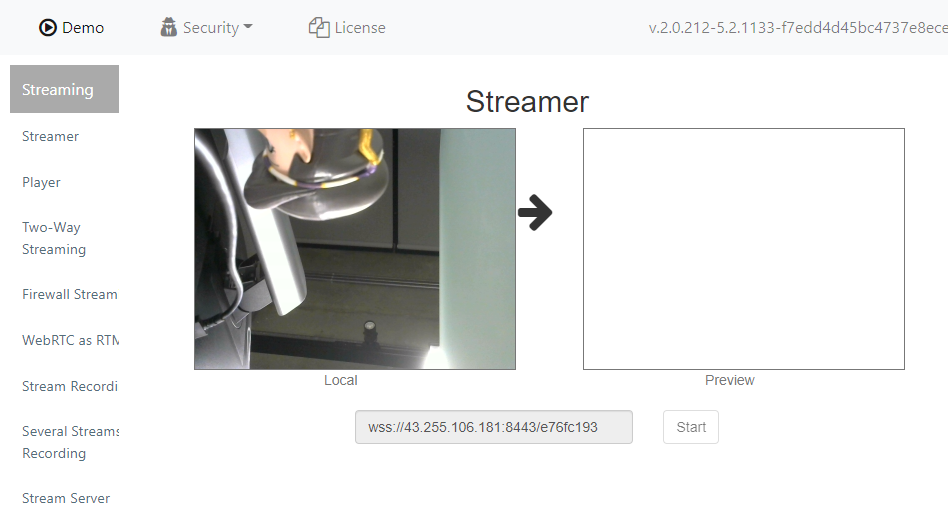
all passes, untill I try to start steam and nothing show on right screen without any error message.
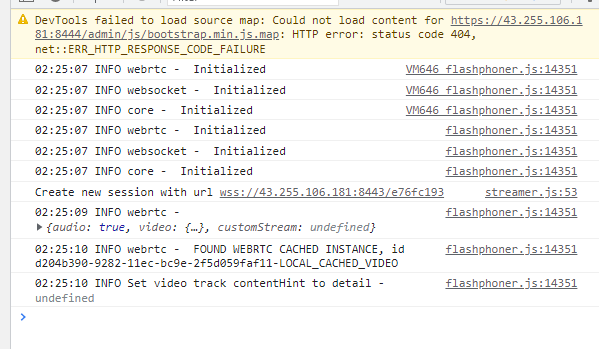
chrome console log
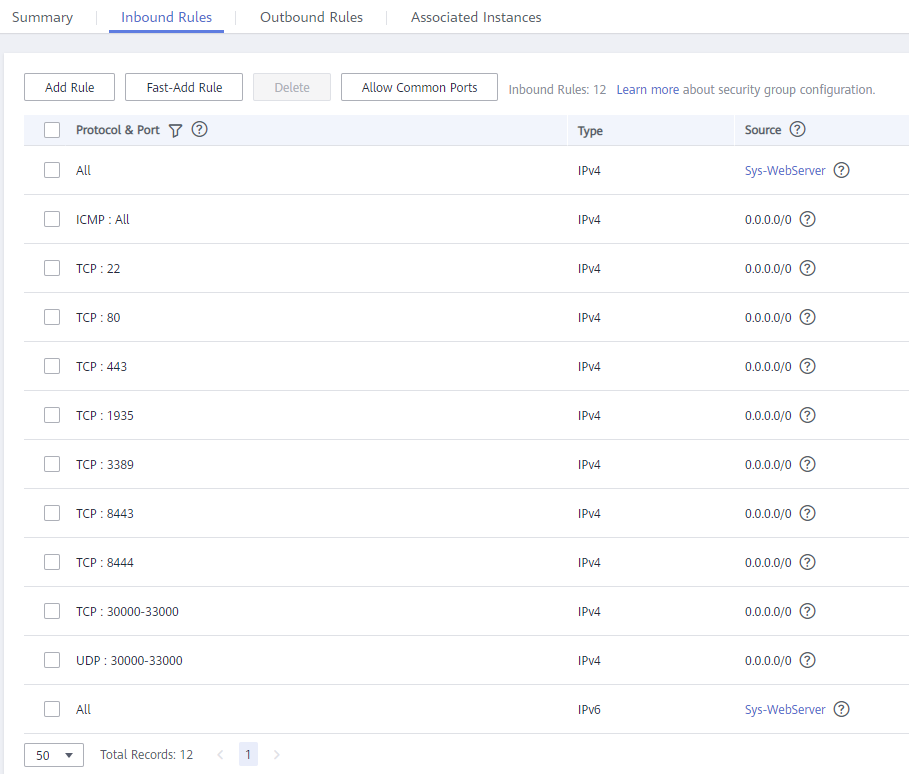
inbound rules
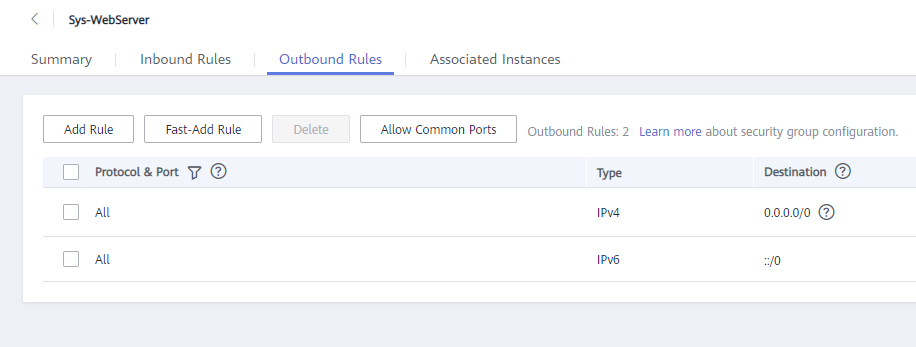
outbound rules
please advice,
regards,
Pin
I have try to install fp on huawei cloud (elastic cloud server) by follow the step on doc.
(https://docs.flashphoner.com/display/WCS52EN/Quick+deployment+and+testing+of+the+server)
all passes, untill I try to start steam and nothing show on right screen without any error message.
chrome console log
inbound rules
outbound rules
please advice,
regards,
Pin
