
Hello and thanks in advance for reading, newbie here.
Of all the player options I feel more comfortable with the iframe embed because I couldn't get the other ones to work (I tried, and I recognize I must be doing something wrong).
Well, currently I'm using this:
<iframe class="responsive-iframe" id='fp_embed_player' src='https://157.245.88.113:8888/embed_p...elaf&mediaProviders=WebRTC,Flash,MSE,WSPlayer'></iframe>
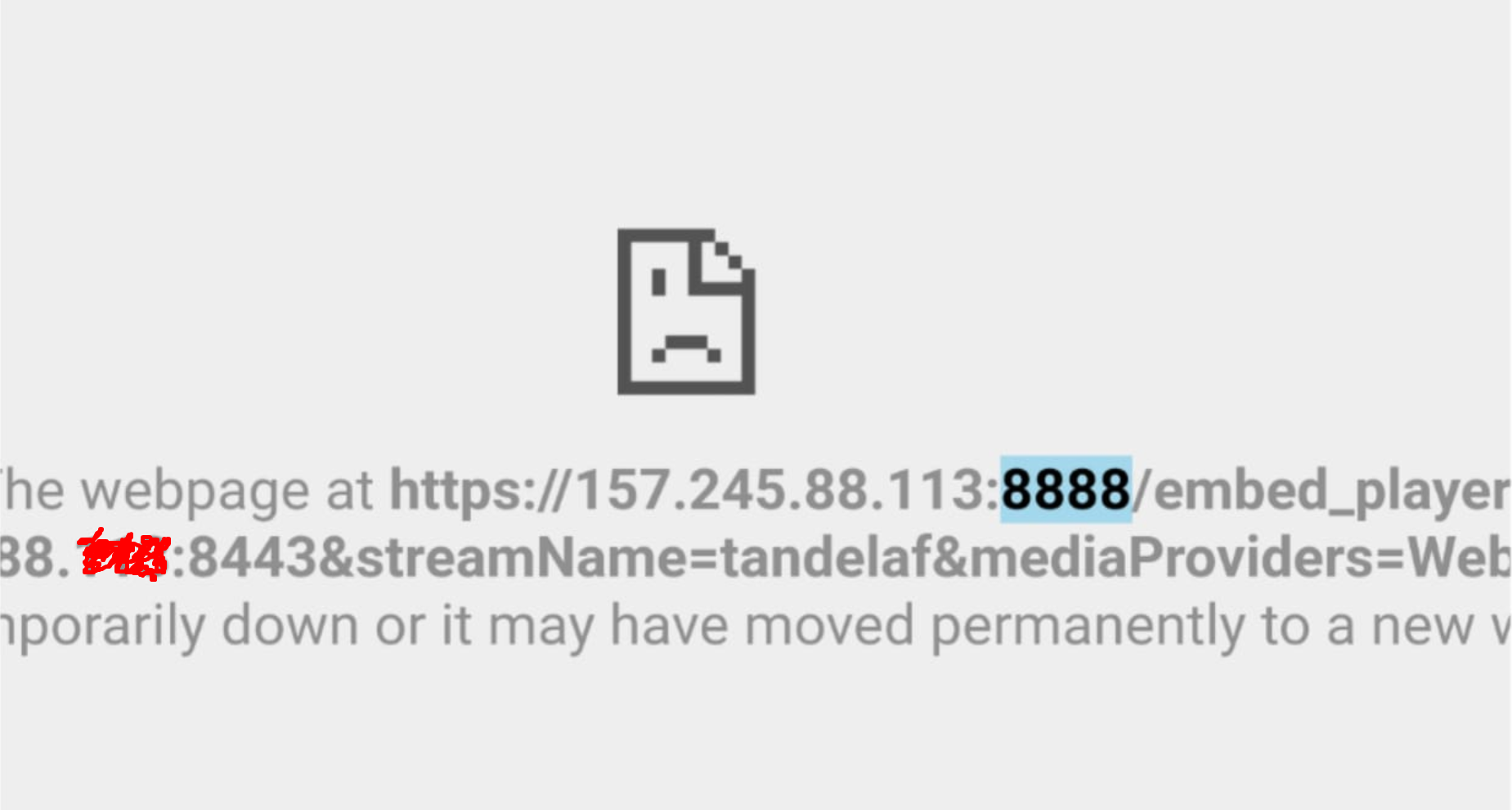
The previous iframe works fine on Chrome desktop (although with security issues) but displays an error on Chrome mobile. I am attaching a screenshot.
Thanks so much in advance.
BTW is anyone has an easy and simple player that works on most devices, please feel free to post it and I will use it instead.
Of all the player options I feel more comfortable with the iframe embed because I couldn't get the other ones to work (I tried, and I recognize I must be doing something wrong).
Well, currently I'm using this:
<iframe class="responsive-iframe" id='fp_embed_player' src='https://157.245.88.113:8888/embed_p...elaf&mediaProviders=WebRTC,Flash,MSE,WSPlayer'></iframe>
The previous iframe works fine on Chrome desktop (although with security issues) but displays an error on Chrome mobile. I am attaching a screenshot.
Thanks so much in advance.
BTW is anyone has an easy and simple player that works on most devices, please feel free to post it and I will use it instead.
